When you’re packing for a trip, your phone, tablet, or laptop are probably right next to your toothbrush. But while you’re thinking about sunscreen and snacks, hackers are thinking about the wide-open digital doors that come with travelers using public Wi-Fi, Bluetooth, and charging stations. Traveling soon? Learn how to keep your devices safe with smart tips for public Wi-Fi, Bluetooth, juice jacking, and offloading apps before your trip.
Here’s how to keep your digital life secure while you enjoy your real-world adventures.
Public Wi-Fi Isn’t Always Your Friend
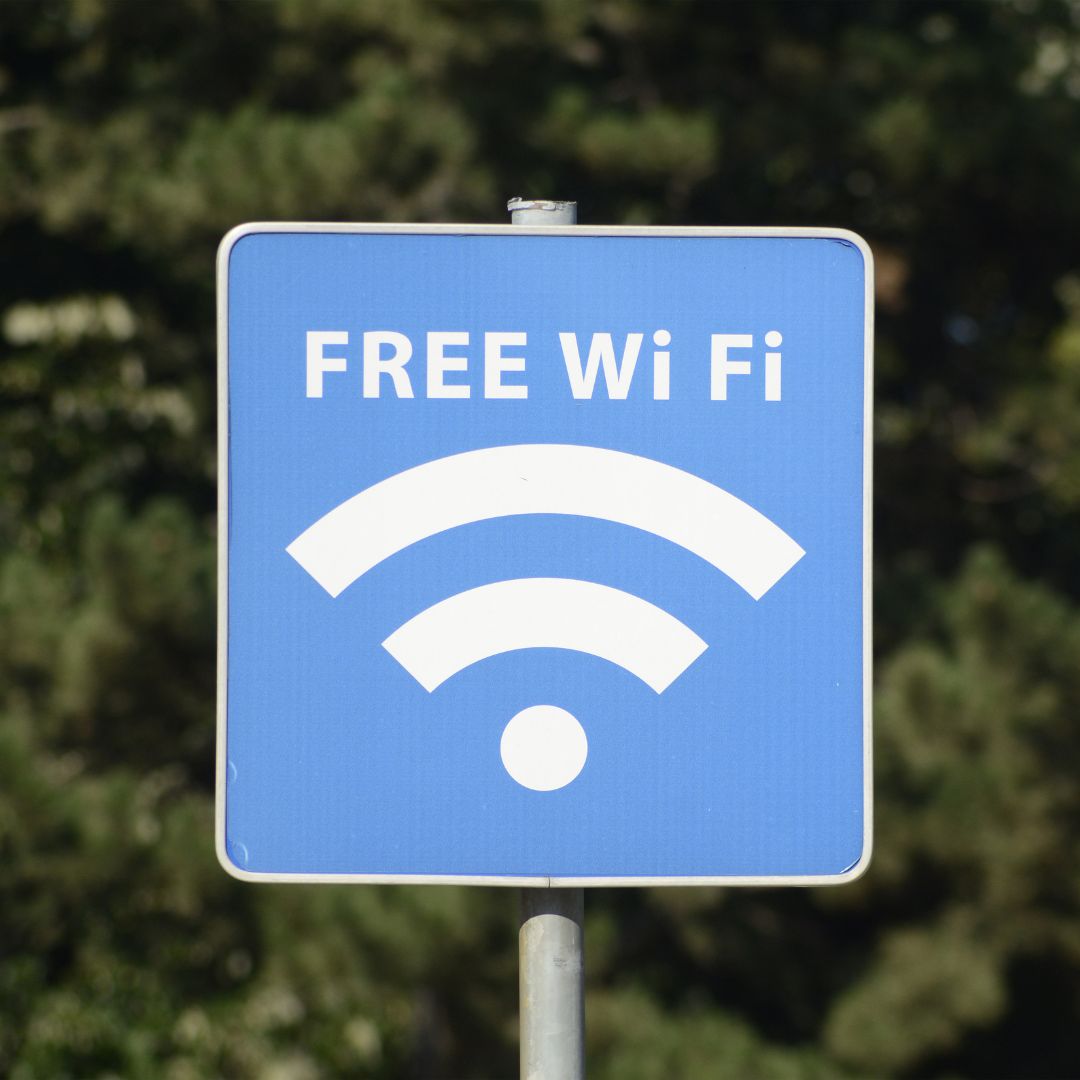
Free Wi-Fi at airports, hotels, and coffee shops is convenient — but it’s also a hotspot (pun intended) for cybercriminals. Hackers can snoop on unsecured networks or set up fake “free” Wi-Fi spots just to steal your info.
Stay safe:
-
Avoid logging into bank accounts or sensitive apps over public Wi-Fi.
-
Use a VPN (Virtual Private Network) to encrypt your connection.
-
Turn off file sharing and ensure your firewall is active.
-
When in doubt, use your mobile data or a hotspot instead.
Bluetooth: Keep It Off When Not in Use

Bluetooth is great for wireless headphones and smartwatches — but it’s also a potential entry point for hackers, especially in crowded places.
Tips:
-
Turn Bluetooth off when you’re not using it.
-
Don’t accept pairing requests from unfamiliar devices.
-
Set your Bluetooth to “non-discoverable” to stay invisible to others nearby.
Juice Jacking: A Real Travel Threat
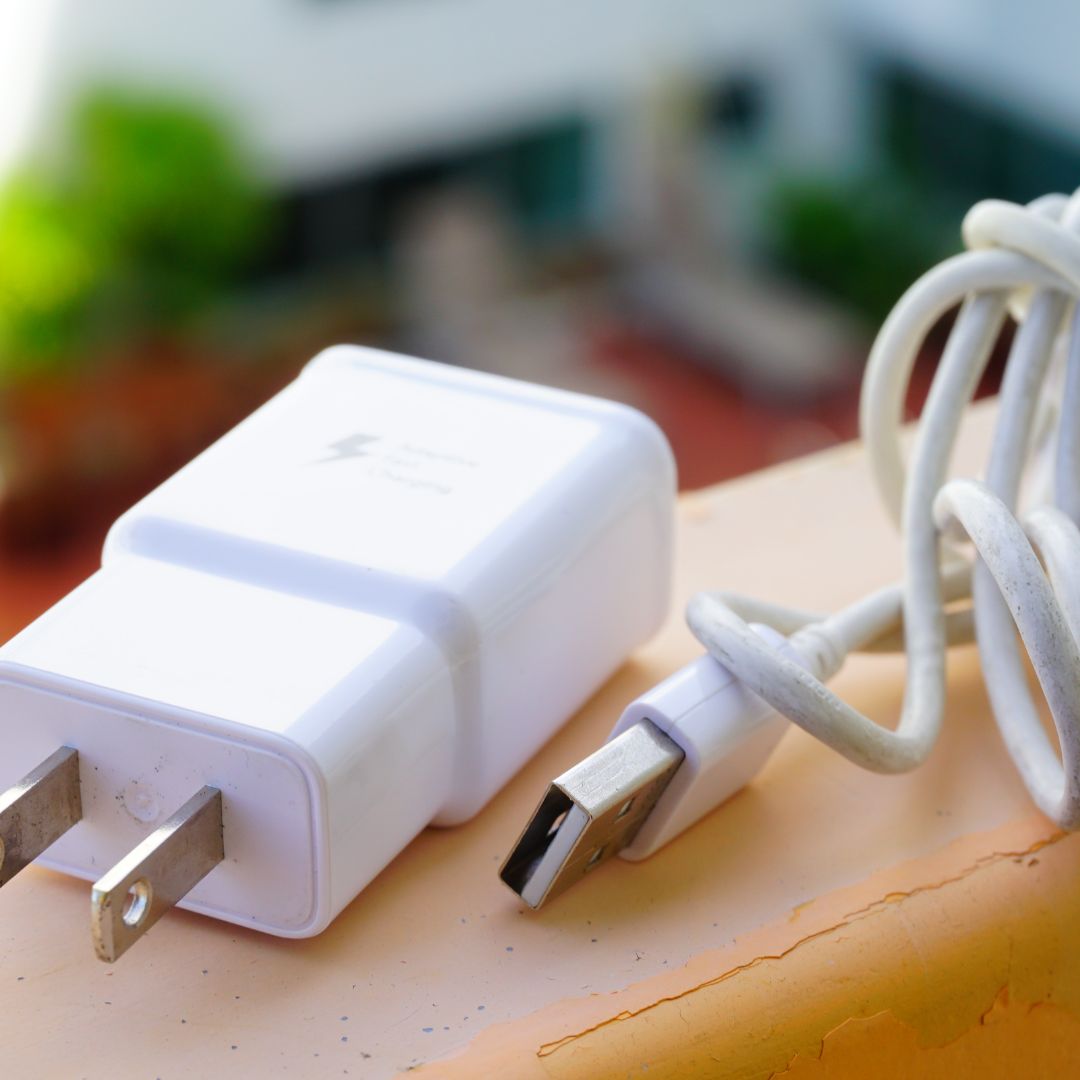
Ever plug into a free charging station at the airport or mall? It’s tempting, but it could leave you vulnerable to juice jacking — when malicious software is secretly installed on your device through a USB port.
Protect yourself:
-
Always travel with your own wall charger or portable battery pack.
-
Use a USB data blocker or a charge-only cable to prevent data transfer.
-
If you must use a public port, power off your device before plugging in.
Offload Unused Apps for Extra Protection
Before your trip, take stock of the apps on your device. Many apps request access to sensitive information — even when you’re not using them. Offloading or deleting them can reduce your risk while freeing up space.
Tips:
-
Offload unused apps (on iPhone, go to Settings > General > iPhone Storage).
-
Delete apps you won’t need while traveling, especially those that access contacts, location, or financial info.
-
Reinstall them later if needed — your data will still be saved in the cloud.
Lock Down and Update Before You Go
Don’t wait until you’re poolside to think about digital safety. A few steps before takeoff can save you a lot of stress later.
Checklist:
-
Install the latest software updates.
-
Enable a screen lock (PIN, fingerprint, or face ID).
-
Set up device encryption and turn on remote wipe options in case your device is lost or stolen.
-
Back up important files and photos to the cloud or an external drive.
✈️ Only Bring What You Need
Travel light — digitally, too. The fewer devices and sensitive data you carry, the lower the risk.
Try this:
-
Only bring the devices you’ll actually use.
-
Log out of apps that store sensitive info (banking, work accounts, etc.).
-
Avoid saving passwords or private documents directly to your device.
Final Thought
Cybersecurity might not be on your packing list, but it should be on your radar. With a little planning and a few smart habits — like turning off Bluetooth, skipping sketchy Wi-Fi, avoiding public charging ports, and offloading unneeded apps — you can keep your devices safe and your vacation stress-free.
Enjoy your travels. And don’t let hackers crash your trip!
Find out more in the Florida Commerce E-Newsletter https://www.fdacs.gov/News-Events/Florida-Consumer-E-Newsletter
Read all of our educational Blogs https://blogs.ifas.ufl.edu/monroeco/
 2
2