Visuals are a powerful way to make your content stand out in today’s digital landscape. But with that power comes responsibility: respecting copyright laws that safeguard the rights of image creators. This post will walk you through best practices for sourcing and using images, based on guidelines from UF/IFAS Communications (ICS). Whether you’re working with University of Florida (UF) photos or external resources, understanding licensing requirements and giving proper credit is key. Let’s dive into how to use images legally and ethically in your projects.
Copyright laws exists to protect the original creator, granting them exclusive rights to use and distribute their work.
ICS strongly recommends prioritizing images captured by UF faculty and staff whenever possible. If you need to use photos from outside sources, that’s fine, just make sure you comply with the licensing restriction attached to each image.
Sourcing Images
- Check license requirements: Read and understand the license agreement that comes with all images.
- Attribution: Follow credit requirements provided by the creator.
- Keep records: Document sources and licenses.
- DO NOT right click and save on websites.
UF Sample Sources
- UF/IFAS Photo Database: photos.ifas.ufl.edu
- Entomology Photos: go.ufl.edu/ent-nem-image-gallery
- UF Stock Photos: go.ufl.edu/uf-photos
These sources require UF Gatorlink login.
Non-UF Sample Sources
- National 4-H Flikr: tinyurl.com/4-H-Flickr
- NASA Images: nasa.gov/images
- USDA ARS: ars.usda.gov/oc/images/image-gallery
Microsoft Office Stock Images

Use MS Stock images with caution. Follow the guidelines below:
- DO include MS Stock images in presentations, documents, or other MS Office files.
- DO export these to PDF for sharing.
- DO NOT copy/paste to third-party applications.
- DO NOT post on websites or social media pages.
- DO NOT save as an image file and use it outside of MS Office.
- DO NOT use the photos browser or online pictures options.
Canva Images
Use Canva images with caution. Follow the guidelines below:
- DO KNOW your license type (free or Pro) and only use images allowed for that license.
- DO export Canva layouts to PDFs or JPGs for sharing.
- DO NOT copy/paste standalone images to third-party applications
- DO NOT copy/paste standalone images on websites, social media, and blogs.
- DO NOT save a standalone images and use outside of Canva.
Adobe Stock
Adobe Stock is accessible to those with the full Adobe Creative Cloud license and offers a diverse range of assets, including photos, design elements, 3D models, and motion graphics templates for use in professional, academic, and coursework-related projects at UF. Do not use Adobe Stock images for personal projects. The current cost for a single user license as of December 23, 2025 is $128.00. For the complete Adobe Stock image licensing terms, see stock.adobe.com/enterprise-conditions#educationLicenses.
More information
Find a handy photo usage factsheet here: Photo Usage Guide (PDF)
For more information regarding photo usage, please contact Tracy Bryant at tracydz@ufl.edu.
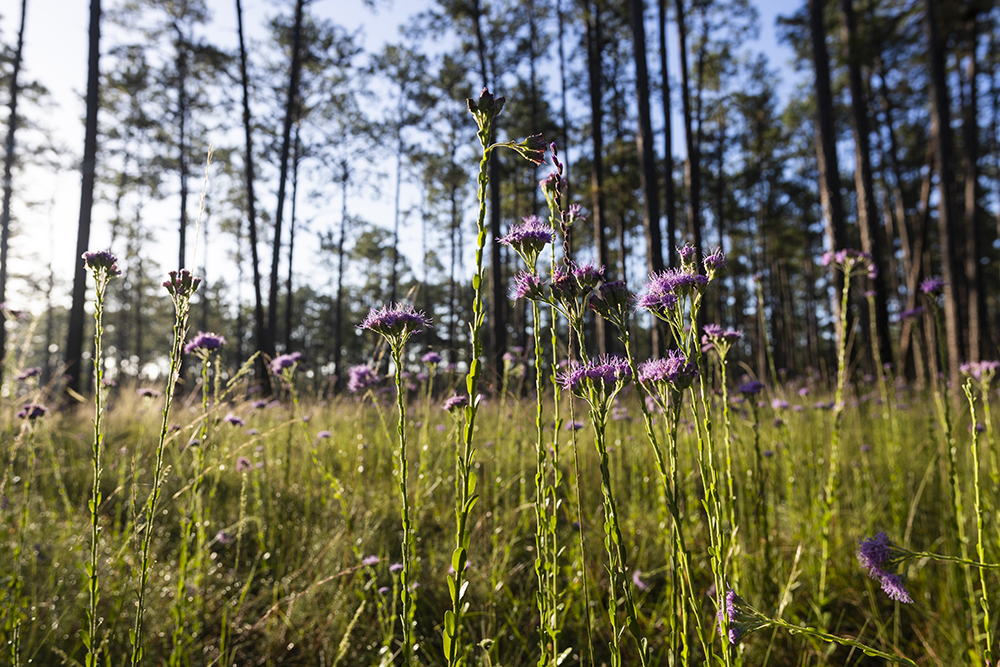
Feature images: adobe.stock.com by Rymden.
 1
1